.svg)
The Competitive Advantage
Stay up to date on the best business operation tools, with emphasis on AI platforms, compliance & security.
Digital architecture is undergoing a fundamental transformation. When building the modern Grux digital experience, we utilized autonomous AI workflows and agentic developer loops to design, engineer, polish, and deploy the exact site you are browsing right now.
Translating Strategy into Executable Directives
Traditional software development relies on static spec documents that often get lost in translation. With AI workflows, business strategy and brand guidelines are converted directly into structured execution directives.
Agentic Tool Loops & Rapid Code Generation
Rather than relying on simple one-shot text generation, our AI workflows operate with active tooling for code inspection, automated linting, visual contrast optimization, and seamless component wiring.
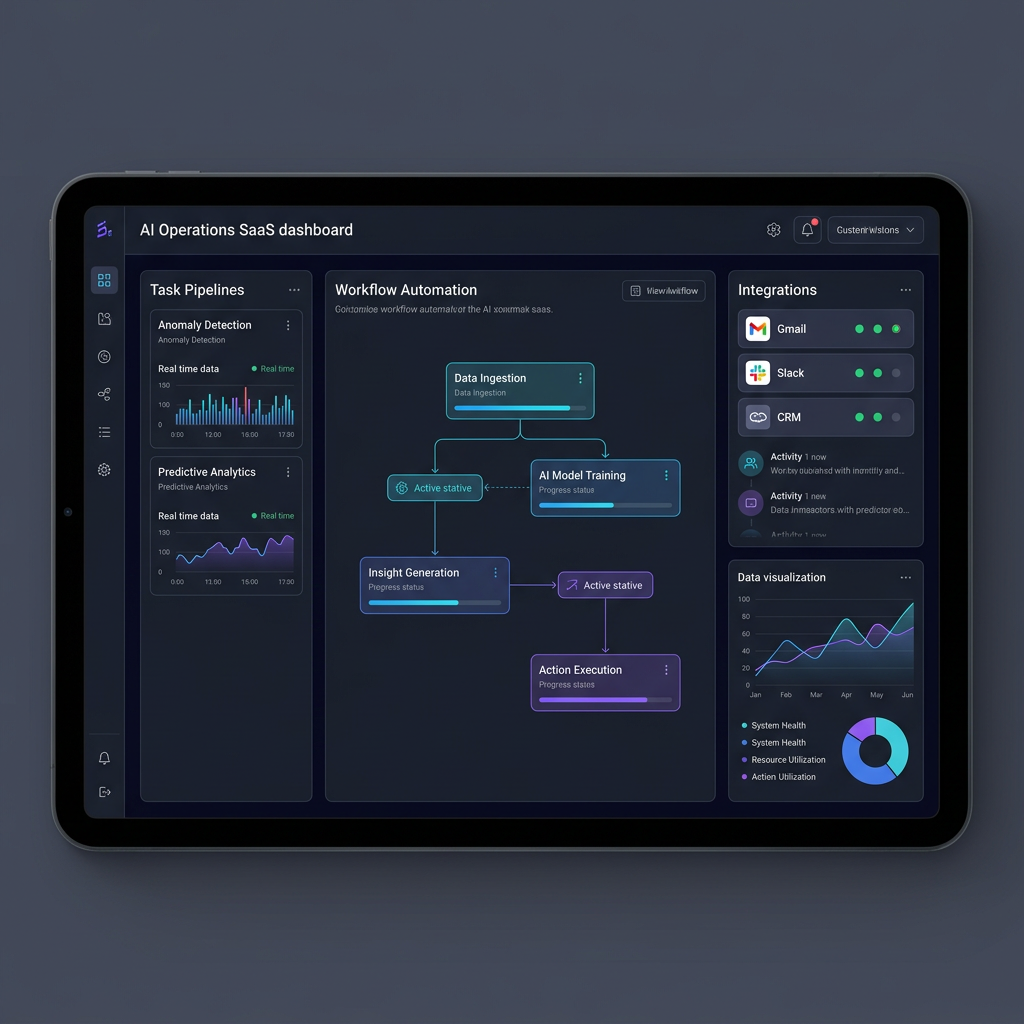
How We Built This Site Using Autonomous AI Workflows
Cybersecurity threats are increasingly sophisticated and pervasive. To adapt to these threats, businesses must prioritize creating robust security frameworks to protect their sensitive data and maintain trust with their clients. One very effective framework is the Zero Trust security model. This model assumes all users may be threats, including those inside the organization. Each user request is verified as though the request originated from an untrusted network.
Google Workspace provides powerful features to enable Zero Trust security. This article will guide you on how to enable Zero Trust security using Google Workspace.
The Core Principles of Zero Trust
- Never Trust, Always Verify: Do not automatically trust any request for access; instead, verify every request as if it originated from an open network.
- Least Privilege Access: Grant users only the access they need to perform their duties, and nothing more.
- Micro-segmentation: Segment the network to limit lateral movement of potential threats.
- Multi-factor Authentication (MFA): Use multiple pieces of evidence to verify the user's identity, significantly reducing the chance of unauthorized access.
Implementing Zero Trust within Google Workspace
- Use Google's Context-Aware Access: Google Workspace offers Context-Aware Access (CAA) which allows you to create rules that adjust a user's access to apps based on their identity and the context of their request (like location, device security status, and IP address). Using this tool is a critical step in starting to implement the first principle of Zero Trust - never trust, always verify. To set it up, navigate to the Admin console, then go to Security > Context-Aware Access. Create access levels tailored to your organization's needs.
- Implement Multi-factor Authentication (MFA): Google Workspace supports several forms of MFA, including Google Prompt, SMS codes, and physical security keys. Enforcing MFA ensures that even if a password is compromised, unauthorized users can’t easily gain access to your systems. Enable MFA by accessing Security > 2-Step Verification in the Google Admin console.
- Apply Least Privilege Access Through Custom Admin Roles: Limit access to data and applications. Google Workspace allows for the creation of custom admin roles, enabling you to assign users only the permissions they require, and therefore minimizing potential damage when an account is compromised. Set up custom roles in the Admin console under Admin roles > Create a new role. Specify the exact privileges each role should have.
- Leverage Advanced Protection Program (APP): Enroll users who have access to highly sensitive data in Google's Advanced Protection Program. This program provides Google's strongest security settings for safeguarding against phishing and account hijacking. It requires physical security keys for sign-in and limits third-party app access to Google Workspace data.
- Data Encryption and Endpoint Management: Encrypt sensitive data both at rest and in transit. While Google Workspace automatically encrypts data at rest and in transit, you should also implement end-to-end encryption for sensitive communications. Manage the devices accessing your Google Workspace data through Google’s endpoint management. Be sure to enforce strong passwords and to wipe data from devices that are lost or belong to departing employees.
- Regular Audits and Monitoring: Regularly audit and monitor access logs and user activities within your Google Workspace environment. Use the security center for Google Workspace to analyze security analytics and get insights into potential threats.
Key Takeaway
Implementing Zero Trust security with Google Workspace is a strategic step for bolstering your team’s cybersecurity defenses. Zero Trust is built on the principle of “never trust, always verify”. By ensuring least privilege access, businesses can significantly mitigate the risk of data breaches and cyber threats. Embrace the practices of Zero Trust to take a proactive stance in protecting your organization's future in the digital age.

Enable Zero Trust Security by using Google Workspace
Finding the right tools to enable effective project management is a challenge that all companies face at some point in their lifespan. Effective project management enables better collaboration, increased productivity, and more automated workflows.
There are so many software tools that claim to make project management easy for both managers and team members. We've researched and compiled a list of the top project management applications, with mid-sized businesses in mind. At Grux, we consistently prefer to use Linear, and this application topped our analysis for this exercise as well.
Our Top 3 Project Management Apps
First Place --- Linear stands out at the top of our list for several reasons. Linear simplifies project management without sacrificing depth in functionality, and is a favorite for engineers.
Linear tops our list for the following reasons:
- Scalability: As your business grows, Linear grows with you. It's built to accommodate increasing complexity, many teams, and a large volume of projects and issues. This makes it a long-term solution for businesses expecting to grow quickly.
- Integration Capabilities: Linear integrates seamlessly with many other tools that businesses rely on, such as Slack, GitHub, and Figma. This helps to unify an organization’s tech ecosystem and reduces the need to switch between apps. Grux offers a Linear integration for Google Chat, check it out here.
- Cost-Effectiveness: Linear’s costs are transparent and competitive with other project management apps.
- Sharable Views: Create filtered views of issues or projects that you can save and share with others in your workspace.
Second Place --- Asana is another strong contender, designed to facilitate task management, collaboration, and project tracking. It also has many integrations with other tools, and can scale well with growing companies. The interface is somewhat more intuitive to use initially compared to Linear, but Linear has more powerful functionality, such as sharable Views.
Third Place --- Trello uses a card-based system for organizing tasks and projects. It can be a good choice for teams that prefer a highly visual method of project management. It's very simple to use and also has a range of integrations to enhance its functionality. Trello is too simple for our purposes, however, and lacks the customization that Linear and Asana offer.
Our Runner Ups: Monday.com & Jira
Takeaway
When it comes to choosing the right project management app, it's important to consider scalability, integration capabilities, and cost-effectiveness. Linear excels in all these areas, making it a great choice for businesses to improve productivity and reduce expenses on their tech stack. It can be used by all teams, from engineering to product to marketing.

Is Linear the Best Project Management App?
Crafting a compelling online presence for your business is crucial for success. The foundation of this presence? A well-designed website. Choosing the right website editor platform is an important first step. Do you want ease of use with simple components, or total customization abilities? This guide reviews top website editor platforms, and gives a spotlight to Webflow, the editor of choice at Grux for our website design and development team.

What is the Best Website Editor Platform for Your Business?
Simplified Secure Email - No VPN or Portals
The Lowdown on MTA-STS
Remember when email was just a wild west of information flying around without much security? SMTP (Simple Mail Transfer Protocol) was the sheriff back in 1982, but it wasn't until 1999 with STARTTLS that we got some encryption. But STARTTLS had its flaws - it was optional, leaving emails vulnerable to man-in-the-middle attacks.

MTA-STS: A Must-Have for Secure Email Communication
Why You Need Help with Email Security - Setup MTA-STS


